Why am I getting a 403 error when loading the Google Drive file picker?
A 403 error occurs when the Google Drive integration does not have the necessary permissions to access your files.
There are 2 cases, that can come up:
The session timed out: If you have previously been able to access your files refreshing your browser window should be enough to re-establish access.
Otherwise, see the fix below.
Incomplete permissions:
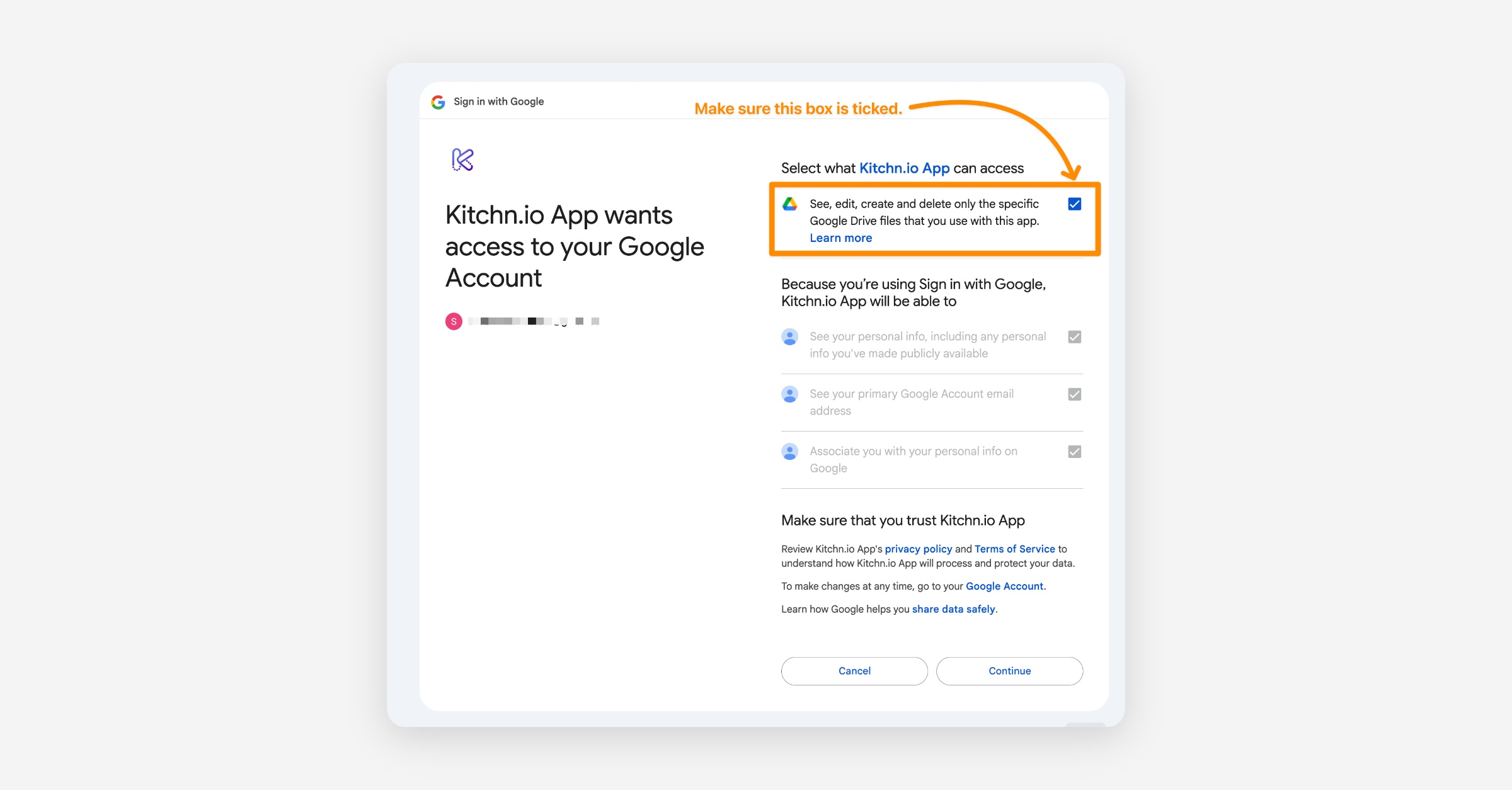
Reconnect Google Drive: Navigate to your GoogleDrive integration and try reconnecting your account.
Grant the Correct Permissions: Ensure that you allow all requested permissions when prompted.