Rules | Create new rules
Rules are available for Enterprise plans or upon request. To have access or request a trial, please contact help@kitchn.io.
Create New Rules
To create a new rule in the Rule Engine:
Navigate to the Rules section on the left sidebar
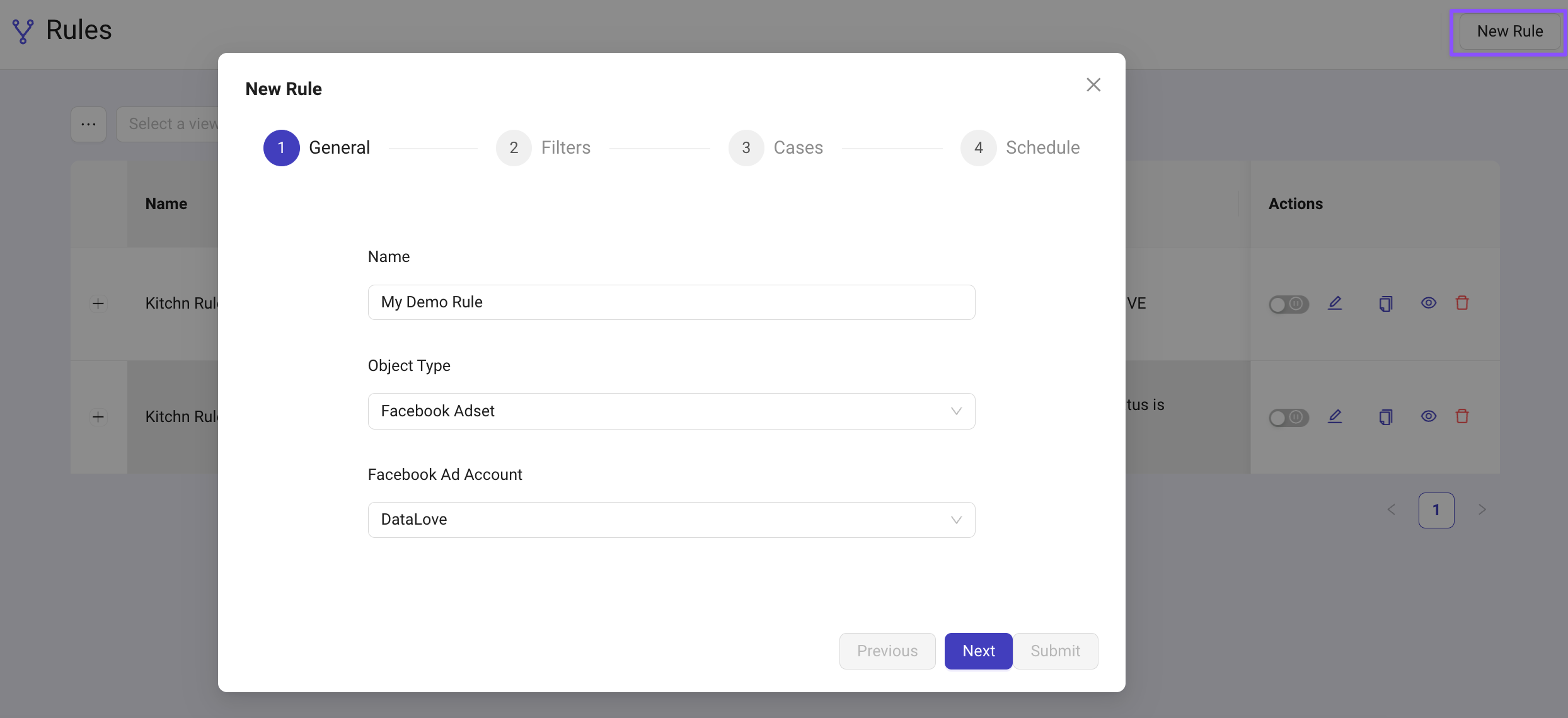
Click the New Rule button at the top right
Provide a Name and Description Give your new rule a name. We recommend to use a concise & descriptive name, as this will appear in notifications such as Slack messages.
Select the Rule Level
Choose the level where the rule will act—this can be Account, Campaign, Ad Set, or Ad.
Choose the Ad Account
In the dropdown, select the ad account where you'd like to create the rule.